|
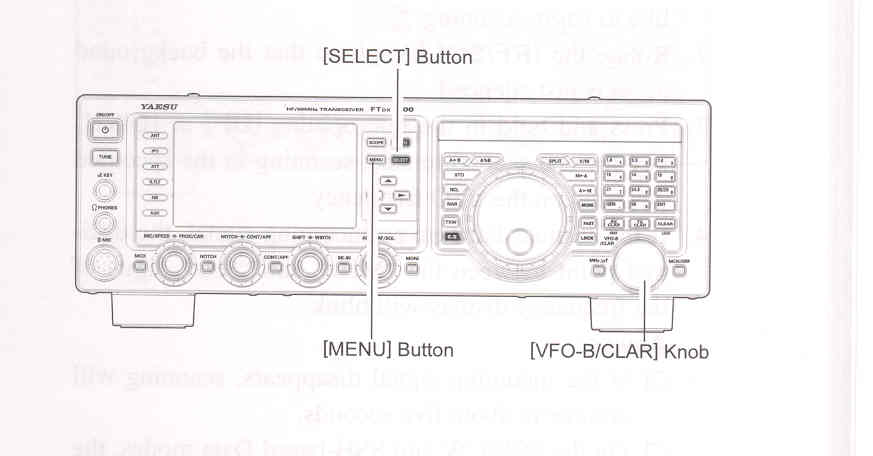
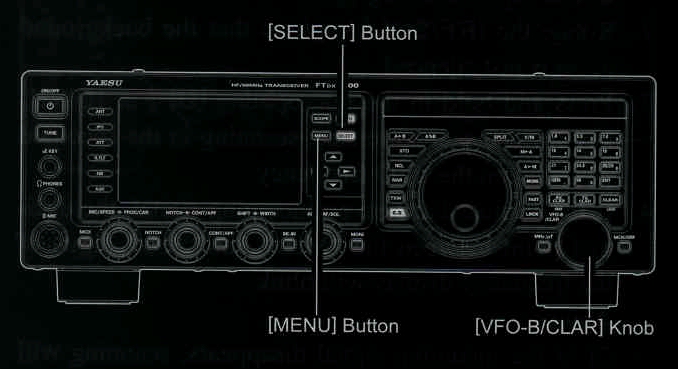
1. Prsss the [MENU] button to enter the Menu mode. 2. Rotate the [SELECT] knob (or press the ▲ / ▼ buttons) to select Menu item "184 EMERGENCY FRQ TX". 3. Press the [SELECT] button, then rotate the [VFO-B/CLAR] knob (or press the ▲ / ▼ buttons) to select "ENABLE". 4. Press the [SELECT] button, then press the [MENU button to save the new setting and exit to normal operation. Emergency communicaton on this spot frequency is now possible. 5. Press the [V/M] button, as necessary, to enter the Memory mode. Press the [MCH/GRP] button, then rotate the [VFO-B/CLAR] knob to select the emergency channel ("EMERGENCY"), which is found between channels "5M-10" and "01".
NOTE:
|
|