Message Memory Programming (Using Your Paddle)
1. Set the operating mode to CW.
2. Set the [BK-IN] button to "Off".
3. Tunr the internal Electronic Keyer "On".
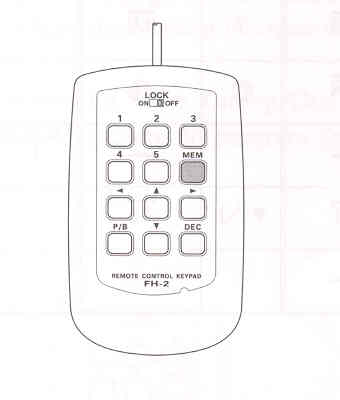
4. Press the [MEM] key on the FH-2. A blinking "REC" icon will appear in the display.


5. Press any of the FH-2 keys numbered [1] through [5] to begin the memory storage process, and the "REC" icon will glow steadily.

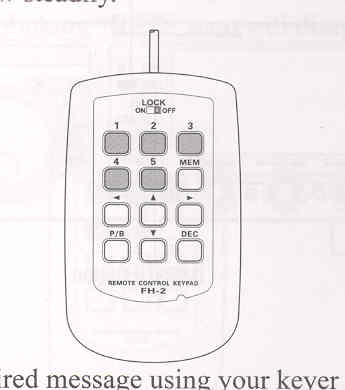
6. Send the desired message using your paddle.
ADVICE:
7. Press the [MEM] key on the FH-2once more at the end of your message. Up to 50 characters may be stored in each of the five memories.
If you do not start keying within ten seconds, the memory storage process will be cancelled.

NOTE:
You must exercise care in sending to ensure that the spaces between letters and words are accurately done; if your timing is off, the spacing may not come out right in the stored message. For ease in setting up the keyer memories, we recommend you set Menu item "018 F KEYER TYPE" and/or "020 R KEYER TYPE" to "ACS" (Automatic Character Spacing) while you are programming the keyer memories.
Chedking the CW Memory Contents
1. Be sure that the Break-in is still turned "Off" by the [BK-IN] button.
2. Press the [MONI] button to enable the CW monitor.
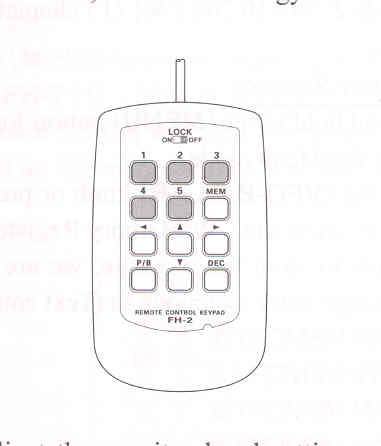
3. Press the FH-2 [1] ~ [5] key, whichever memory you just recorded in. You will hear the results in the sidetone monitor, but no RF energy will be transmitted.

ADVICE:
On-The-Air CW Message Playback
1. Press the [BK-IN] button to enable transmission. Either Full- or Semi-break-in will be engaged, depending on the setting of Menu item "063 CW BK-IN".
2. Press the FH-2 [1] ~ [5] key, depending on which CW Memory Register message you wish to transmit. The programmed message will be transmitted on the air.
You may adjust the monitor level setting using Menu item "036 MONITOR LEVEL".


NOTE:
If you subsequently decide to use the "Text Memory" technique for memory storage, please note that a message stored using keyer paddle input will not be transferred over when you select "Text Memory technique" on a particular memory register (theMenu Mode Setting is set to "TEXT").