1. Press the [BK-IN] button to enable CW transmission (Menu item "063 CW BK-IN DELAY").
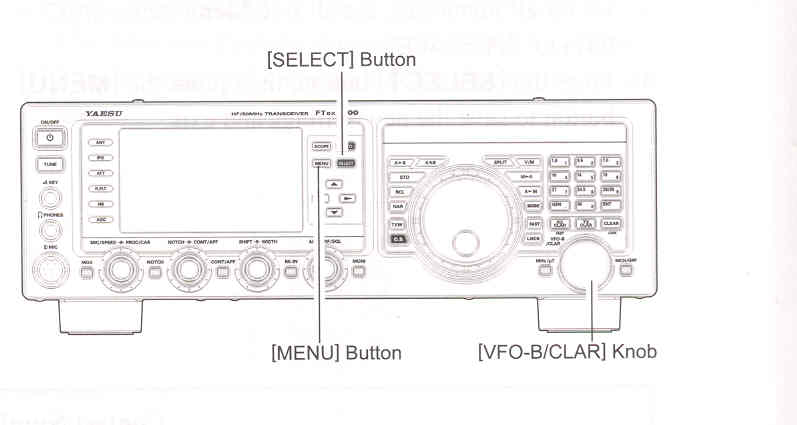
2. Press the [MENU] button to enter the Menu mode.
3. Rotate the [VFO-B/CLAR] knob (or press the ▲ / ▼ button) to select Menu item "064 CW BK-IN DELAY", then press the [SELECT] button.
4. Start sending and rotate the [VFO-B/CLAR] knob to adjust the hang time, as you prefer for comfortable operation.
5. When you are finishes, press the [SELECT] button, then press the [MENU] button to save the new setting and exit to normal operation.