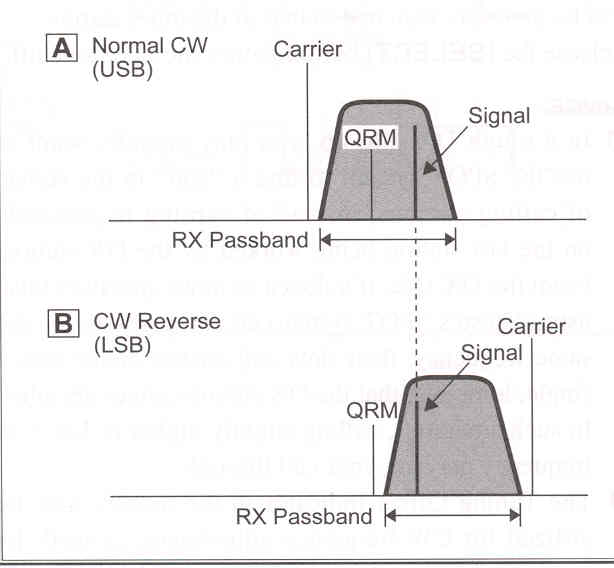
1. To start, let's use a typical example where you have set the CW mode (using the default "USB" injection).
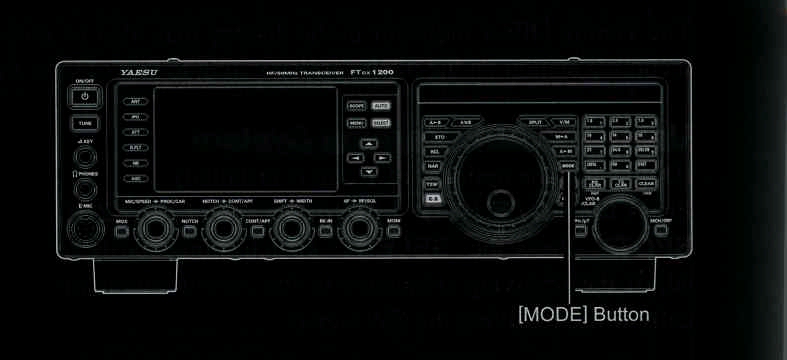
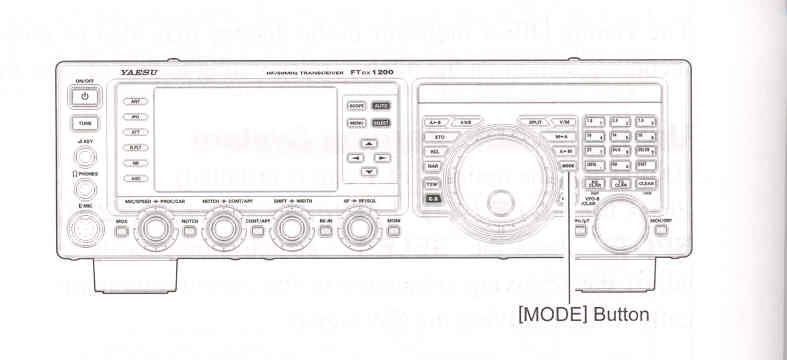
2. Now be sure your mode selection is still set for VFO-A, and then press and hold in the [MODE] button for one second. The "LSB" and "CW" will appear in the display, indicating that the "LSB" injection side has now been selected.
3. To return to the normail (USB) injection and cancel CW Reverse operation, press and hold in the [MODE] button for one second (the "USB" and "CW" will appear in the display).
NOTE:
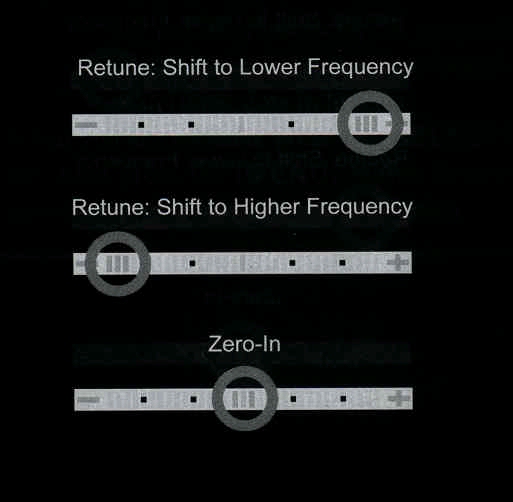

In the illustration, Fugure "A" demonstrates the normal CW injection setup, using the USB side.
In Fugure "B", CW Reverse had been engaged to receive using LSB-side injection and eliminate interference.
The beneficial effect of switching sidebands can be clearly seen in this example.