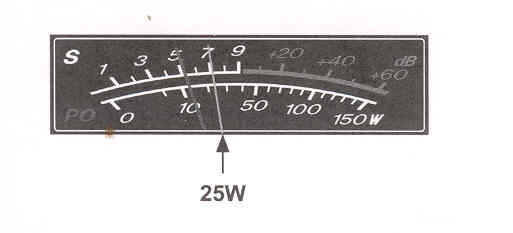
| FTDX1200 Operating Manual | Page 63 |
 1. Press the [BAND] button
corresponding to the Amateur band on which you wish to operate.
1. Press the [BAND] button
corresponding to the Amateur band on which you wish to operate. 2. Press the [MODE] button to select the operating mode. Press and hold in this button to toggle the alternate mode. For example, in the LSB or USB modes, pressing and holding in this button toggles between "LSB" and "USB" modes.
ADVICE:
3. Rotate the Main Tuning Dial knob to adjust the operating frequency. Alternately, you may use the [UP] / [DWN] scanning buttons on the MH-31BB Hand Microphone to sweep up or down the current band.
4. Press the microphone PTT (Push To Talk) switch to begin transmission, speak into the microphone in a normal voice.
ADVICE:

|
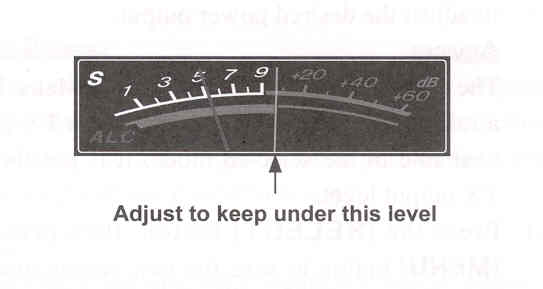
5. Adjust the microphone amplifier gain to match the microphone and you voice level: Press the [▲/▼ / ◄ / ► ] buttons to select the "METER", then press the [SELECT] button to select "ALC". Close the PTT switch, and speak into the microphone in a normal voice level. In the SSB mode, adjust the [MIC/SPEED] knob so that the ALC meter stays within the ALC zone of the meter (up to half scale delfection) on voice peaks.

In the AM mode, adjust the [MIC/SPEED] knob so that the ALC meter does not deflect on voice peaks.
ADVICE:
6. Release the PTT switch at the end or your transmission. The transceiver will return to the receive mode.
|
| FTDX1200 Operating Manual | Page 63 |