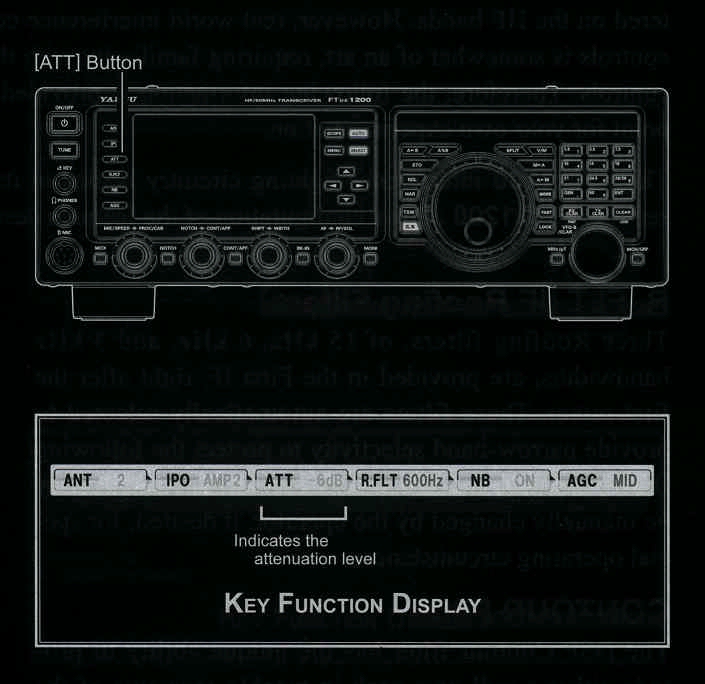
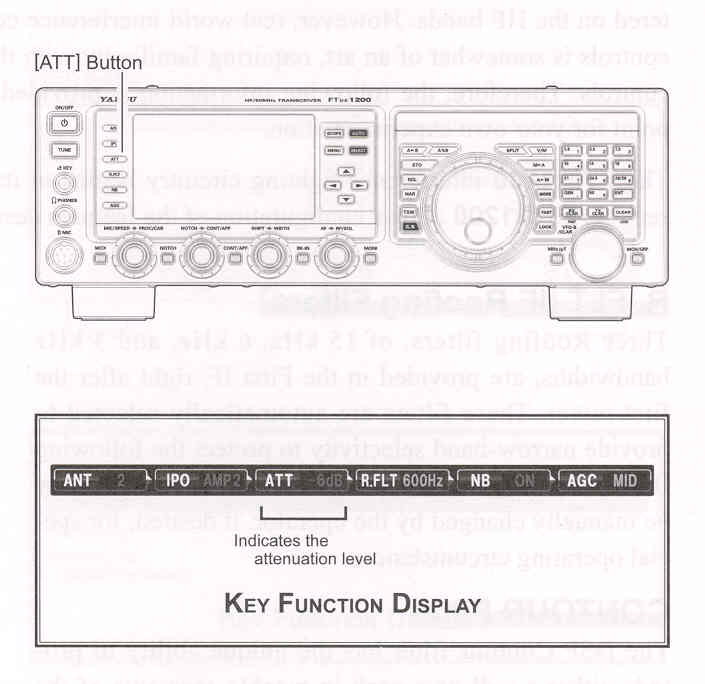
- Press the [ATT] button several times to set the desired attenuation level, per the chart below.
OFF: Attenuator is off.
-6 dB: The incoming signal power is reduced by 6 dB (Signal voltage reduces by 1/2)
-12 dB: The incoming signal power is reduced by 12 dB (Signal voltage reduces by 1/4)
-18 dB: The incoming signal power is reduced by 18 dB (Signal voltage reduces by 1/8)
The selected attenuation level will be indicated in tje ATT column of the Key Function Display on the TFT display.
- To restore full signal strength through the Attenator circuit area, press the [ATT] button to restore the ATT display to the "OFF" position.