| Page 22 | FTDX1200 Operating Manual |
|
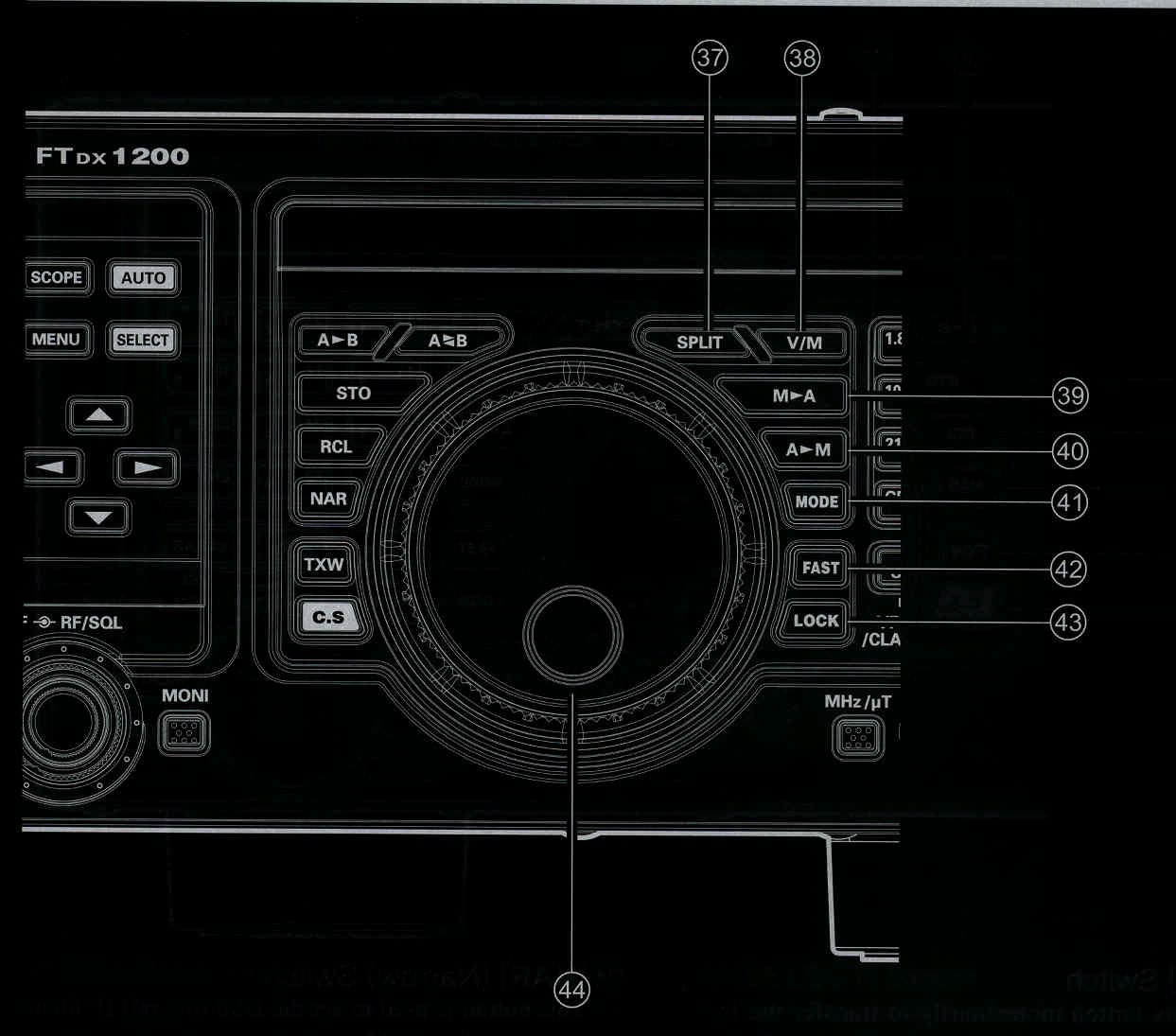
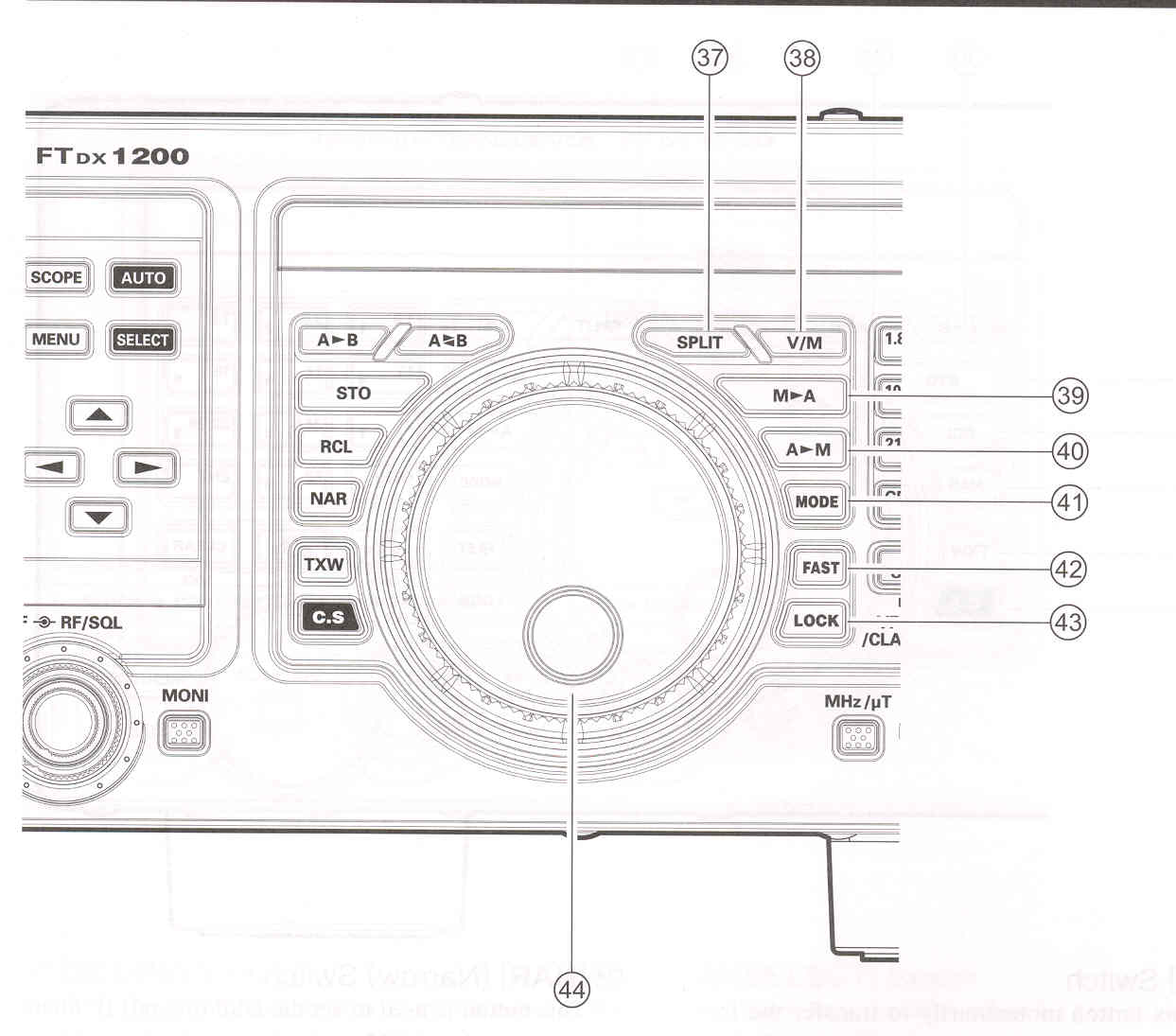
(37) [SPLIT] Switch Press this button to operate split frequency between VFO-A (used for reception) and VFO-B (used for transmission). If you press and hold in the [SPLIT] button for one second, the "Quick Split" feature will be engaged. VFO-B transmit will automatically be set to a frequency 5 kHz higher than the VFO-A receive frequency, with the same operating mode. The transceiver will operate in the Split mode.
(38) [V/M] Switch
|
(39) [M►A] Switch Pressing this button momentarily, will display the contents of the currently- selected memory channel for 10 seconds. Holding [M►A] button in for one second copies the data from the selected memory to VFO-A, and two beeps sound. Previous data in VFO-A will be overwritten.
(40) [A►M] Switch
Pressing and holding in this key for one
second (until the double beep) copies the
current operating data into the currently-
selected memory channel, overwriting any
previously data stored there.
|
| Page 22 | FTDX1200 Operating Manual |